

The Ultimate Guide to the Best Live TV Apps for Streaming in India: Channels, Costs, and Features
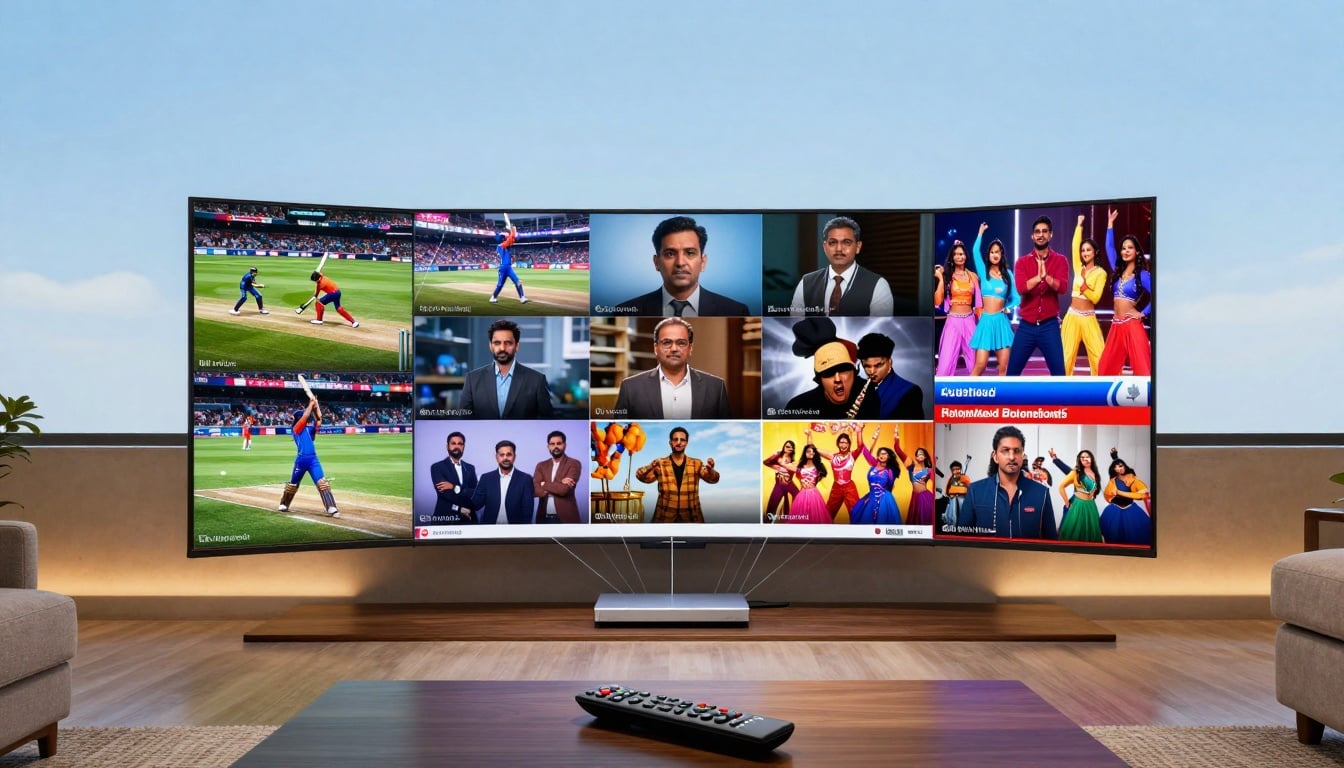
Gone are the days when you had to wait for cable guys to fix your TV signal. In India, millions now grab their phones or tablets to watch live shows, sports, and news right away. This shift to OTT platforms lets you stream on the go, fitting busy lives without missing a beat.
Top live TV apps for India let you stream IPL cricket, news, and Hindi shows free on Android. HD quality, no lag. Download now and watch live!
India boasts over 800 million internet users, many relying on mobiles for entertainment. With 5G rolling out in 2025, live TV apps make it easy to catch regional channels or global events. If you're hunting for the best live TV apps for India, this guide breaks down options to match your needs, from free picks to premium ones.
Understanding Live TV Streaming in the Indian Ecosystem
Live TV streaming brings the buzz of real-time broadcasts to your device. You get channels airing as they happen, like morning news or evening soaps. Apps pull in these feeds from broadcasters, often with a delay of seconds.
Unlike video on demand, where you pick movies or episodes anytime, live streaming locks you into the schedule. VOD suits binge-watching old hits, but live TV thrives on urgency—think election updates or match goals. In India, apps must follow TRAI rules on content rights and data privacy to keep things legal.
Licensing deals shape what you see. Broadcasters like Star or Sony license channels to apps, creating exclusive lineups. This setup ensures quality but can limit free access.
The Difference Between On-Demand and Live Streaming
Live TV in apps means simulcasts of channels, pulling feeds straight from studios. Real-time events, such as sports or debates, demand this for that fresh feel. News apps shine here, delivering breaking stories as they unfold.
On the flip side, VOD lets you pause, rewind, or skip ads at will. It's like a personal library of shows. But live streaming builds community—everyone chats about the same twist in a drama at once.
India's rules add layers. Apps need MIB approvals for foreign content, and geo-blocks keep some shows local. This mix keeps the ecosystem fair yet diverse.
Key Factors When Choosing an Indian Live TV App
Pick an app based on its channel mix. National ones like Colors or Zee cover Hindi hits, while regional gems serve Tamil or Telugu fans. Aim for 100+ channels to avoid switching apps often.
Streaming quality matters too. Look for HD options, and check 4K for big screens. Device support counts—most run on Android, iOS, Smart TVs, or Fire Sticks. Catch-up TV lets you rewind shows by hours, a game-saver for late nights.
Data use hits hard in India, with mobile plans often capped. Apps with low-data modes save gigs during live streams. Free Wi-Fi spots help, but optimization keeps costs down.
- Channel variety: National, regional, or niche like kids' channels.
- Quality settings: Auto-adjust to your connection speed.
- Extras: Voice search or multi-language audio for ease.
Top Contenders: Feature Breakdown of Leading Live TV Apps in India
These apps lead the pack in 2025, each with unique perks. They cater to sports lovers, soap watchers, or news junkies. Costs range from free to under ₹100 monthly, fitting tight budgets.
Disney+ Hotstar: Sports, Entertainment, and Premium Access
Disney+ Hotstar rules for cricket fans. It holds IPL and international rights from BCCI, streaming matches in HD. Beyond sports, you get Star Plus dramas and Disney movies live.
Plans start free with ads, but premium at ₹299 monthly unlocks ad-free viewing and 100+ live channels like Star Sports. VIP tier adds more entertainment for ₹499 yearly—great savings. Exclusive channels include National Geographic for docs.
Users love the multi-device login, up to four screens. In 2025, 4K streams for select events boost the thrill. It's a top pick if sports drive your watchlist.
SonyLIV: Diversified Content and Original Offerings
SonyLIV packs Sony's full network, from Sab TV comedies to Ten Sports action. It snagged WWE rights and UEFA football leagues, drawing huge crowds. Original shows add flavor, like crime thrillers in Hindi.
Subscription runs ₹299 quarterly for ad-free access and early episodes. Free tier limits to basics, but premium brings 200+ live channels in regional tongues like Marathi or Kannada. Picture quality hits 1080p, with offline downloads for travel.

The app shines in user ratings for smooth playback. If you crave Bollywood ties or global sports, this fits. Catch live debates on Sony News too.
JioCinema: Free Access and Premium Sports Content
JioCinema offers tons free, a big draw in data-conscious India. It streams Viacom18 channels live, including Colors and MTV. Recent grabs like T20 World Cup rights pulled 500 million views last year.
Free means ads every few minutes, but the lineup tops 100 channels. Premium at ₹29 monthly cuts ads and adds HD sports. Jio users get perks bundled with plans, saving cash.
The interface feels simple on mobiles. Regional content in Punjabi or Bengali expands reach. For budget watchers, it's unbeatable value.
Airtel Xstream Play and Other Aggregators
Airtel Xstream bundles live TV with OTT hits, tied to Airtel broadband or mobile packs. You access 350+ channels plus Netflix lite, all under one bill. Costs? Often free with ₹500+ plans.
Compared to solos, it simplifies logins—no juggling apps. Zee5 focuses on Zee channels like regional news, with 190 million users. News apps like NDTV add 24/7 updates.
Aggregators win for families mixing tastes. Drawbacks include tie-ins, so non-Airtel folks pay extra.
- Pros of bundles: One payment, vast library.
- Cons: Less flexibility if you switch providers.
- Alternatives: Watcho for pure live TV at low rates.

Discover free live TV apps for India in 2025. Tamil movies, Telugu news, Bigg Boss all live. Easy install—tune in HD without delays!
Optimizing Your Live TV Viewing Experience
Tweak setups to match your space. Home theaters need stable links, while mobiles suit commutes. Good tweaks cut frustration from buffers.
Setting Up the Right Hardware for Home Viewing
Start with a Smart TV or stick like Fire TV. Cast from phone via Chromecast for big screens—easy for group watches. Airtel or Jio boxes integrate apps seamlessly.
Broadband at 10 Mbps handles 1080p fine in cities. Tier 2 towns might stick to 5 Mbps, so test speeds first. Android TV apps load faster than Fire Stick on some, but both work well.
- Steps to cast: Open app, tap share icon, select device.
- Tip: Update firmware for fewer glitches.
- Metro vs. rural: Use mobile hotspots as backup.
This setup turns any room into a theater. Pick based on your gear.
Managing Data Costs and Offline Viewing Capabilities
Lower quality to 480p on mobiles to slash data—live streams eat 1 GB per hour in HD. Apps like Hotstar have saver modes that compress feeds. VOD uses less since you control playback.
For offline, JioCinema and SonyLIV let you download catch-up episodes, not full live. Save news clips for trains. Track usage in app settings to stay under plan limits.
Prepaid users, buy add-ons for streaming packs. Wi-Fi at home keeps mobile data free.
- Data tips: Stream during off-peak for better speeds.
- Offline perks: Great for long trips without signal.
- App choice: Prioritize those with download limits over 5 GB.
Security and Subscription Management Best Practices
Stay safe online to protect your watches. Strong habits block hackers from your accounts. Apps hold personal data, so care matters.
Protecting Your Accounts from Unauthorized Access
Use passwords with letters, numbers, and symbols—at least 12 characters. Turn on 2FA via SMS or app for extra locks. Most services limit to 2-5 devices; log out old ones.
Sharing accounts risks bans. If caught, you lose access fast. Check login history in settings for odd spots.
Follow these, and your streams stay private. Report issues to support quick.

Navigating Indian Subscription Models and Free Trials
Trials last 7-30 days—cancel before end to dodge charges. Set reminders on your calendar. Annual plans save 20-30%, like Hotstar's ₹499 deal.
Pay via UPI apps like Google Pay for ease. Cards work too, but link to wallets for auto-pays. Track bills in one app to avoid surprises.
- Trial steps: Sign up, watch free, cancel in profile.
- Savings hack: Compare monthly vs. yearly math.
- Payment pros: UPI skips fees, instant confirms.
This keeps costs in check while testing apps.
Conclusion: The Future of Live Entertainment in India
India's live TV apps offer something for everyone—from free JioCinema streams to Hotstar's sports feasts. Your best pick hinges on habits: sports buffs grab Hotstar, regional fans eye SonyLIV. Aggregators like Xstream suit mixed homes.
The scene grows fast, with OTT blending live and on-demand more. Expect AI picks for channels and interactive chats during shows by 2026. Dive in, tweak settings, and enjoy seamless viewing.
Ready to stream? Download your top app today and catch the next big event without cables.
(Don't copy this content)

